
How a Google Business Profile Works & Rank Higher Locally
In today’s digital landscape, a robust online presence is essential for businesses. Google Business Profile is a powerful tool that can make or break your visibility online. Understanding how it functions is crucial for anyone looking to enhance their reach.
Google Business Profile allows businesses to showcase their information directly in Google search results. This free tool not only elevates your online visibility but also helps build credibility through customer interactions, especially reviews. A well-managed profile communicates essential information to potential customers swiftly and effectively.
In this article, we will explore how Google Business Profile works. From setting up your profile to leveraging features for local SEO, we will provide step-by-step guidance to help you optimize your business presence online.
What is Google Business Profile?
Google Business Profile is a tool that helps business owners manage their presence on Google Search and Maps. It lets you create and update business listings, making it easier for potential customers to find your business location, business hours, and contact information. Accurate business information enhances visibility, especially in mobile searches.
With Google Business Profile, business owners can manage various aspects of their listings like business category, special hours, and business address. By optimizing these elements, you can improve search engine optimization and attract new customers organically.
Engaging with customer reviews, both positive and negative, is crucial. This enhances your credibility and can influence future customers positively. The platform also allows posting updates to keep your audience informed about changes or promotions.
Key Features:
- Business Dashboard: Manage all your settings in one place.
- Review Links: Engage with customer feedback easily.
- Business Profiles on Google: Showcase your business type and services.
Utilize Google Business Profile for better engagement with customers and improved search visibility across search engines.
Benefits of Google Business Profile
Google Business Profile offers numerous advantages for business owners looking to expand their reach and improve their online presence. By effectively utilizing this tool, businesses can engage effectively with potential customers and stand out in a crowded digital landscape.
Enhancing online visibility
By maintaining an accurate business profile, your company becomes more visible in Google Search and Maps, particularly in local and mobile searches. Optimizing your business category, physical address, and other details boosts organic search performance. This increased visibility can lead to higher customer engagement and drive more traffic to your business location.
Building credibility through customer reviews
Customer reviews play an essential role in building trust and credibility. Responding promptly to reviews, whether they are positive or negative, showcases your commitment to customer satisfaction. Engaged businesses tend to see an increase in future customers as positive interactions help inform potential buyers’ decisions.
Communicating vital business information
Keeping your business information accurate and up-to-date is crucial for customer trust. Google Business Profile allows you to update business hours, special hours, and contact details quickly. This ensures that your audience always has the correct information and can confidently visit your physical location or engage with your services.
 Setting Up Your Google Business Profile
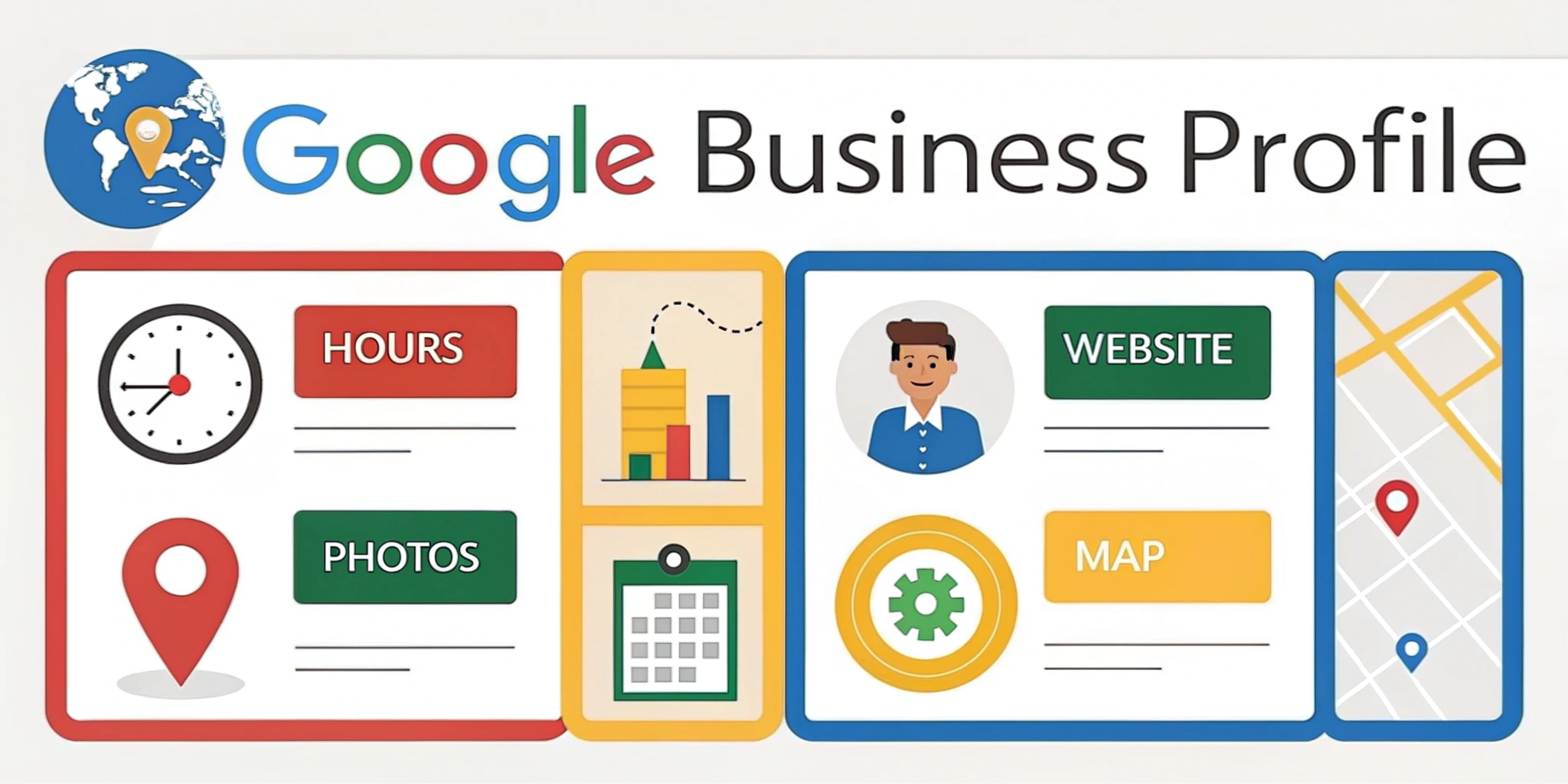
A Google Business Profile is crucial for business owners aiming to enhance their online presence. This tool helps you get found on Google Maps and Google Search by potential customers. It allows you to manage how your business information appears on Google, ensuring your business details are accurate.
Step-by-step guide to creating a profile
- Sign in or Create a Google Account: Start by logging into your Google account or creating a new one.
- Visit Google My Business: Navigate to the Google My Business website and click on “Manage Now.”
- Enter Business Details: Input your business name, address, and category promptly. Ensure your physical address and business category are correctly listed to appear in relevant searches.
- Set Business Hours: Add your regular and any special hours to keep your listings up-to-date.
- Provide Contact Information: Input a phone number and website URL. This helps future customers easily contact you.
- Finish and Verify: Complete any other requested details and finalize the setup.
Verifying ownership of your business
Verification is vital for maintaining your business’s credibility. Google typically sends a postcard to your business address with a verification code. Occasionally, verification via phone or email might be offered. After receiving the code, enter it in your business dashboard to complete the verification process. This step ensures your business information appears in search results.
Optimizing your listing for maximum impact
An optimized business profile increases visibility in organic search. Use relevant search terms in your business description to enhance search engine optimization. Regularly update your profile with photos of your physical location to attract mobile searches. Encourage customer reviews and respond promptly to negative reviews to build trust. Utilize review links in your outreach efforts to gain more positive feedback. Monitor insights via your Google Business dashboard to track performance and refine your strategy for maximum customer engagement.
Features of Google Business Profile
Google Business Profile is a powerful tool for business owners to enhance their visibility on Google Search and Maps. It allows you to create detailed business listings, showcasing your business address, category, and hours of operation. By keeping business information accurate, you ensure that both potential and future customers can easily find your business location.
Business Profiles on Google play a pivotal role in search engine optimization. This enhances your ranking in organic search results and greatly improves mobile searches. With a well-maintained profile, your business becomes more accessible to individuals searching for relevant services or products.
Utilizing postings to engage customers
Posting to your Google Business Profile helps keep your audience engaged and informed about your latest offerings or special events. Regular updates can include special hours, announcements, or promotions, making it easier to capture attention. It helps maintain a connection with existing clients while attracting potential customers.
You can increase interaction by responding to customer reviews and comments on your postings. This form of engagement not only boosts your online presence but also ensures you remain in constant contact with customers.
Messaging customers directly
Google Business Profile features allow you to communicate directly with customers through messaging. This capability offers a personal touch, addressing inquiries or feedback effectively. It fosters trust and builds stronger relationships with customers.
Offering instant responses to queries can improve the customer experience significantly. Providing a responsive communication channel can turn casual inquiries into committed sales, enhancing overall client satisfaction.
Managing customer interactions and inquiries
Customer interaction is a critical aspect of your Google Business Profile. The Business dashboard enables you to efficiently manage customer reviews and inquiries, helping address any negative review quickly and improving customer perceptions. Timely and professional responses to reviews can turn dissatisfied customers into loyal advocates.
Moreover, monitoring incoming questions helps capture invaluable feedback, simplifying your ability to refine business operations and improve service quality. This effective management of customer interactions ensures a good reputation and attracts more future customers.

The Role of Reviews in Google Business Profile
Customer reviews are a critical component of a Google Business Profile. They not only influence potential customers but also impact your visibility on Google Search and Google Maps. Positive reviews can enhance your business profile, improve local SEO, and boost the trustworthiness of your brand.
Importance of customer reviews
Customer reviews are vital for organic search rankings. They can influence search engine optimization by increasing your business’s credibility. A high volume of positive reviews signals to potential customers and Google that your business is reliable and trustworthy. They also provide valuable insights into customer satisfaction and areas for improvement.
Best practices for managing reviews
Managing reviews effectively is crucial for maintaining a positive reputation. Here are some best practices:
- Respond promptly: Quickly address both positive and negative reviews to show that you value customer feedback.
- Stay professional: Always respond courteously, even to negative reviews, to demonstrate professionalism.
- Encourage reviews: Ask satisfied customers to leave feedback, which can boost your ratings and visibility.
- Monitor regularly: Use the Business dashboard in Google My Business to keep track of new reviews and respond as needed.
These practices help maintain your business’s online presence and foster positive relations with both current and future customers.
Leveraging Google Business Profile for Local SEO
Google Business Profile is a powerful tool for business owners looking to improve their local search presence. By listing your business address, business category, and business hours, Google makes your business more visible to potential customers in your area. This visibility on Google Search and Maps can lead to increased foot traffic and customer inquiries.
How a well-optimized profile boosts local SEO
A well-optimized profile is crucial for local SEO. Accurate and up-to-date business information, like your physical address and business hours, ensures that search engines can easily locate and categorize your business. Using the right business category and keywords also helps in ranking higher in mobile searches and organic search results. Don’t overlook adding special hours and your business location, as they further enhance your search term strategy. You can fin more on this page.
| Optimization Element | Impact on SEO |
|---|---|
| Business Address | Improves location accuracy |
| Business Category | Aligns with relevant searches |
| Business Hours | Provides clarity to search engines |
| Keywords in Reviews | Boosts visibility in search results |
Engaging with customers to drive conversions
Engaging with your current and future customers actively is key to driving conversions. Responding to Customer reviews, especially addressing any negative review, shows attention and care. Additionally, providing clear contact details in your Business dashboard allows customers easy access to you. Utilize review links for encouraging positive feedback and maintaining communication to convert potential customers into loyal patrons.
Some people see a high increase in GBP traffic just by doing this.
New Features in Google Business Profile
Google Business Profile has rolled out several new features aimed at improving business visibility and engagement. These updates enhance how business owners manage their presence on Google Search and Maps. Leveraging these features can drive more traffic to your business location and attract potential customers.
Overview of Recent Updates and Additions
Recent updates have introduced tools that allow business owners to post more engaging content, like photos and special offers. Business Profiles on Google now support richer business information, such as updated business hours and physical address accuracy. Enhanced integration with Google Maps and search engines ensures that business listings remain relevant and easy to find.
How to Incorporate New Features into Your Strategy
Incorporate these new features by regularly updating your Google Business Profile with fresh content and accurate business information. Respond promptly to customer reviews to maintain a positive online reputation, addressing both positive feedback and the occasional negative review. Use the Business Dashboard to monitor your performance, optimizing your strategy for increased visibility during organic and mobile searches.
| Feature | Benefit | Action Needed |
|---|---|---|
| Engaging Content | Attracts more views and clicks | Post updates, photos, offers |
| Accurate Information | Builds trust with future customers | Ensure business hours and address are correct |
| Integrated Maps Links | Easier access to your physical location | Confirm address accuracy and enhance map visibility |
| Customer Interaction | Maintains a strong online reputation | Respond to reviews and engage with customers |

Best Practices for Maintaining a Compelling Business Presence
Having a compelling business profile on Google is essential for attracting potential customers. It enhances your visibility on Google Search and Google Maps, connecting you with your target audience more effectively. Keeping your business information accurate, including business location, business hours, and business type, ensures that search engines display the correct details to mobile searches and organic search users. If you need help with this, we recommend speaking with an expert to develop e suitable strategy for your business
Regular updates and content management
Regular updates and content management are crucial for maintaining a relevant Google Business Profile. Business owners should frequently update their business address, business category, and any special hours to ensure future customers receive current information. Managing business listings proactively helps prevent any outdated or incorrect data from affecting search engine optimization.
Consider these tips:
- Update your business address promptly if your physical location changes.
- Regularly refresh your business category to match your current offerings.
- Use posts to highlight specials, events, or new products/services.
Monitoring performance and responding to feedback
Monitoring performance and responding to feedback enhances your profile’s effectiveness. Use the Business dashboard to track how potential customers interact with your Business Profiles on Google. Business owners should respond swiftly to customer reviews, including negative reviews, to maintain a positive reputation.
Key actions include:
- Analyze search term data to understand how customers discover your business.
- Encourage review links to build more customer reviews.
- Address negative feedback professionally to improve customer relations and retention.
By adhering to these best practices, business profiles can significantly improve their visibility and engagement on Google Search and Maps, ultimately boosting their success in reaching and interacting with customers.
Conclusion and Next Steps
Google Business Profile is a powerful tool for business owners to enhance their visibility on Google Search and Maps. By optimizing your business profile, you ensure that your business information, such as physical address, business hours, and contact details, are accurate and up-to-date. This improves your chances of attracting potential customers through mobile searches and organic search results.
To leverage your Google Business Profile effectively, regularly update your business listings with any changes in business location, business type, or special hours. Encourage customer reviews by sharing review links and responding to both positive and negative reviews promptly to maintain a strong relationship with future customers. Monitoring the Business dashboard helps you keep track of interactions and performance insights.
Next steps include continuously optimizing your business category and business type to ensure better search engine optimization. Engage with customers through Q&A and post updates about special offers, thus boosting your profile’s attractiveness. Keeping your business information accurate and fresh will enhance your visibility on search engines, providing potential customers with reliable access to your services.